
Download on demand
With Remove local files on, some tools still need the original file on your server: the WordPress image editor, thumbnail regenerators and image optimizers. Download on demand fetches the file back from your bucket when one of them asks for it, so they keep working.
How it works#
- A tool asks WordPress for the local file of an offloaded image.
- The file is missing, so WP Media Cloud downloads it from your bucket into
wp-content/uploads. - The tool works on it as usual.
- New or changed files the tool saves are offloaded with your normal settings, and removed from the server again when Remove local files is on. A file that was only read can stay on the server; Remove local copies clears those.
When it runs#
To keep visitors and public requests from pulling files to your server, it only runs for:
- the WordPress image editor and cropping, for users who can upload files
- WP-CLI commands, such as
wp media regenerate - WP-Cron jobs, such as background optimizers
It never runs for public page views or public media listings.
Turning it on or off#
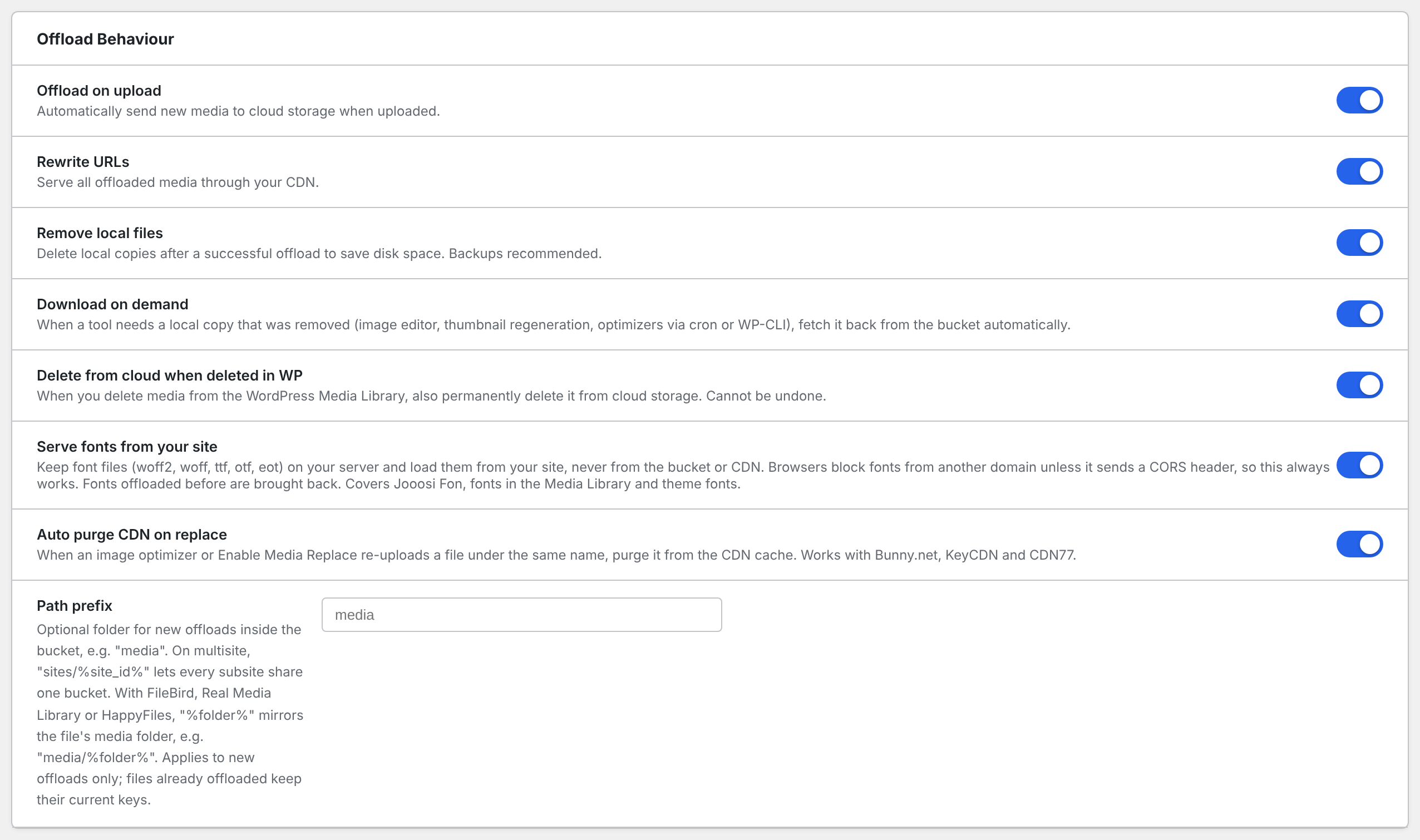
Go to Media Cloud > Settings > Offload Behaviour and switch Download on demand. It is on by default. It only matters when Remove local files is on.
For developers#
Other admin AJAX actions can be allowed with a filter:
add_filter( 'wpmc_on_demand_ajax_actions', function ( $actions ) {
    $actions[] = 'my-plugin-regenerate';
    return $actions;
} );
REST routes are matched with wpmc_on_demand_rest_routes, a list of regular expressions. By default only the image editor route (/wp/v2/media/<id>/edit) is allowed.